 Bike Stories
The true cost of ownership
Purchase, parts and every service roll up into one number per bike — and into cost per kilometre, the figure that settles arguments about whether the nice bike was worth it.
Bike Stories keeps the whole story of every bike you own — what it cost, what has been done to it, what is wearing out, and what is due next. On your iPhone, with no account and nothing sold.
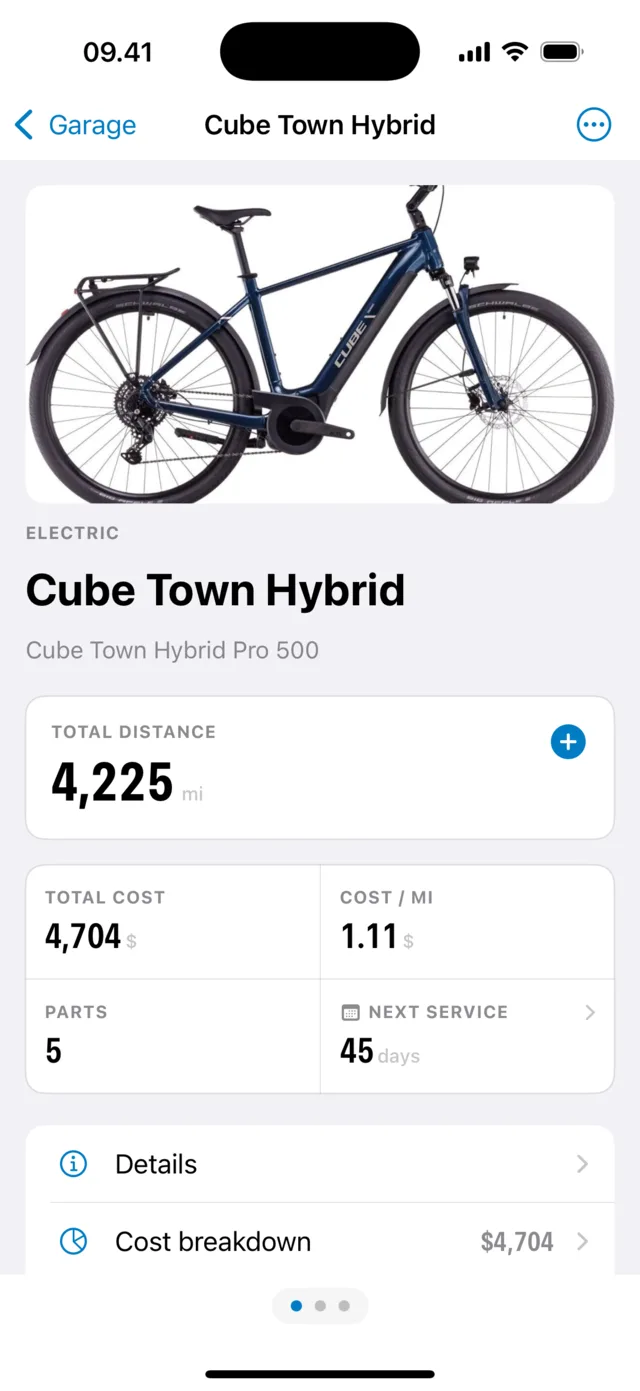
Bike Stories is an iPhone app that keeps a maintenance log for every bike you own: what has been serviced, what is due next, which parts are wearing out, and what each bike has cost you per kilometre. It is free to download and needs no account.
It logs rides by hand, from Apple Health or from a GPX file, stores receipts, manuals and warranties, charts distance and spending over time, and keeps all of it on your iPhone and in your own iCloud — never on a server of ours.
Add the bike, and Bike Stories starts a service history for it. Log each service with its date, cost and what was done; schedule the next one by date or by distance. The history stays with the bike — searchable years later, and worth money when you sell it.
Purchase price, parts and services roll into one total, divided by the distance you have actually ridden. Bike Stories shows both numbers on the bike's dashboard, so an expensive bike you ride every day can turn out cheaper than a cheap one in the shed.
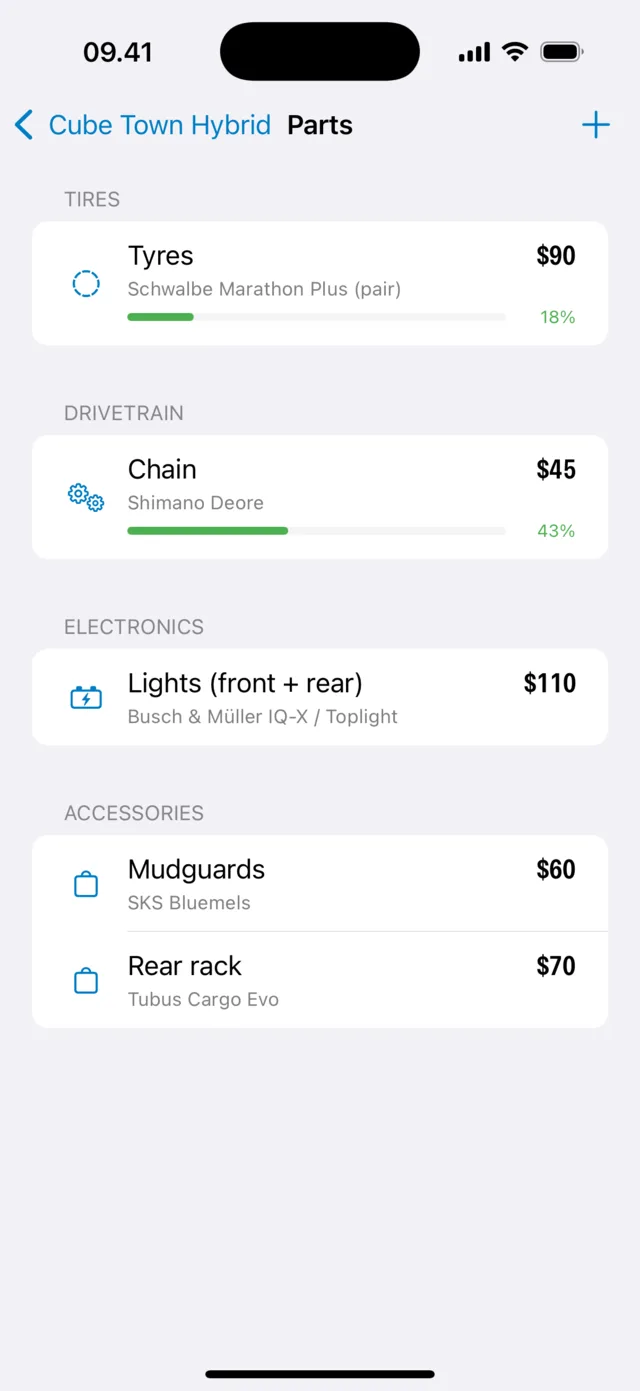
Give the part an expected life when you fit it. Bike Stories counts the distance ridden since and shows the wear as a bar — green while there is life left, amber when it is nearly gone — so a worn chain gets replaced before it takes the cassette with it.
A notebook in the shed can hold a service history. It can't tell you what the bike costs per kilometre, or that the chain is at 43% and due before the sportive.
Purchase, parts and every service roll up into one number per bike — and into cost per kilometre, the figure that settles arguments about whether the nice bike was worth it.
Every 500 km, or every six months, or whichever comes first. The odometer builds itself from your rides, so a distance-based service falls due as you ride — and a reminder tells you before the noise starts.
Chain, tyres, brake pads, battery, bars — 13 categories, each with what it cost and what it is fitted to. Give a part an expected life and its wear shows as a bar you can read in a second.
Cycling workouts come in from Apple Health — your watch, or whatever app writes there. Or drop in a GPX file and see the route on a map. Or type a ride in ten seconds. Whichever you choose, the odometer keeps up.
Keep the paperwork with the bike instead of in a drawer. Insurance and registration get a renewal date, and a reminder before it lapses.
Distance per month, riding by weekday, spending over time, and where the money actually went — purchase, parts, service or the small stuff that adds up.
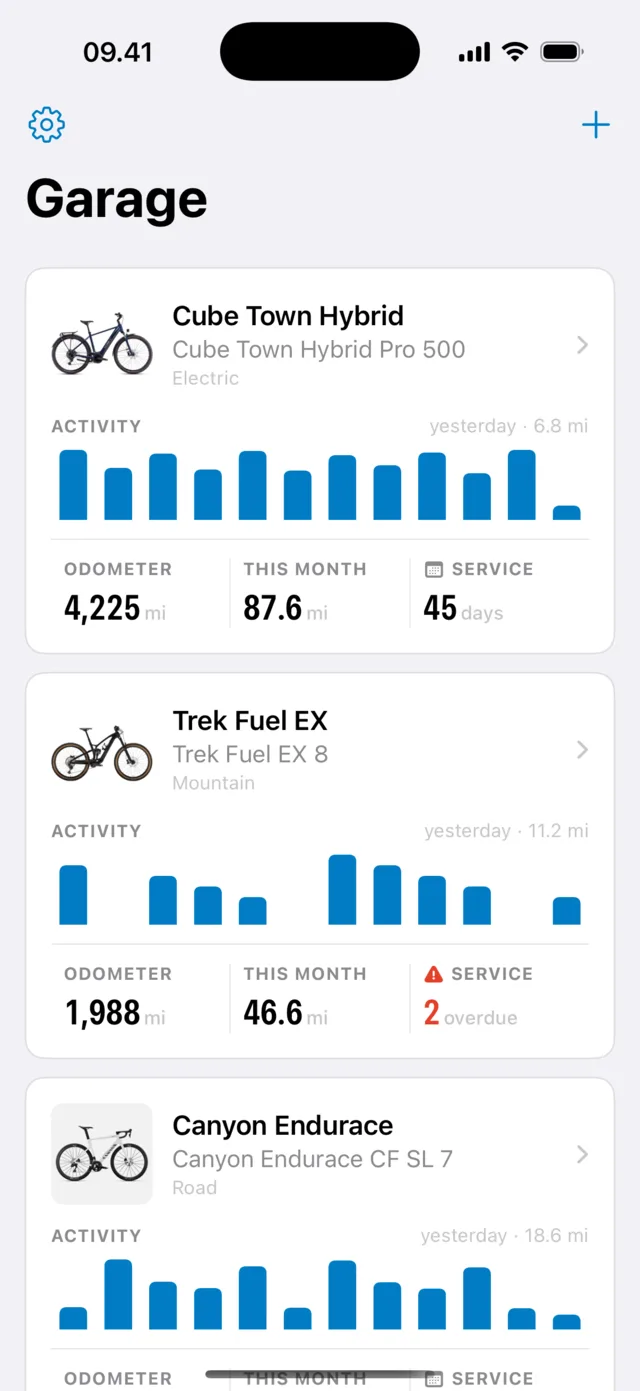
1 Add the bike
Road, gravel, mountain, city, cargo, electric — pick one and the bike arrives with a maintenance schedule that already suits it. Add the price you paid and the odometer you're starting from.
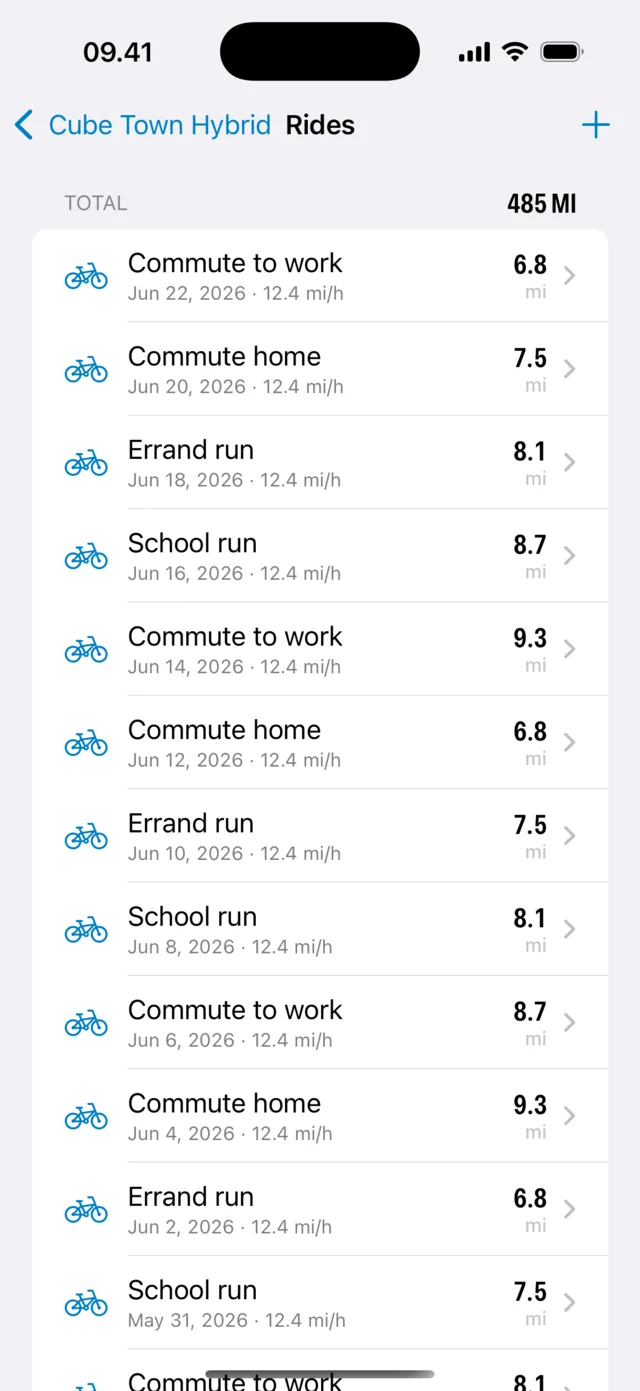
2 Log what happens
Let Apple Health bring the rides in, or add them yourself. Log a part when you fit it and a service when it's done, and drop the receipt straight in from another app.
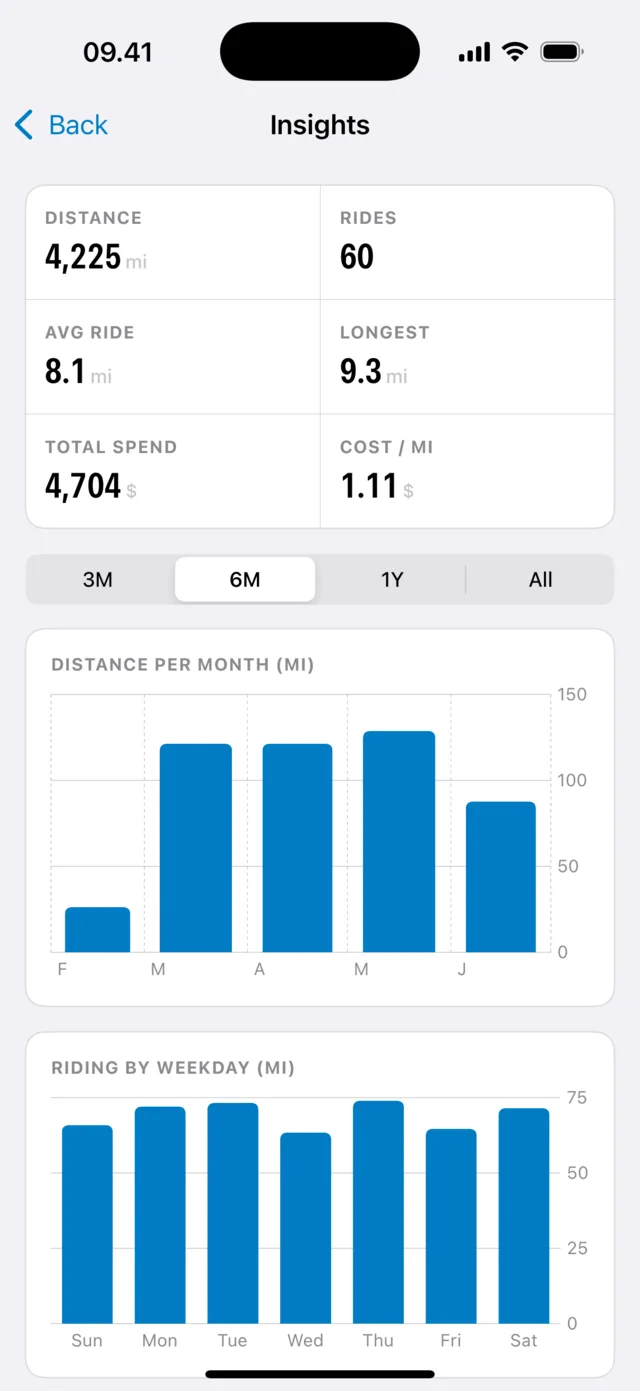
3 Read the numbers
Total distance, total cost, cost per kilometre, what's wearing out and what's due next — for one bike or the whole garage.
Not the price on the receipt. The price plus four years of chains, tyres, brake pads, services and the two saddles you didn't get on with.
Cost breakdown · Cube Town Hybrid
Every segment is always labelled with its amount — colour never carries the meaning on its own.
A service is either done, coming up, or overdue — and Bike Stories says which, in words and in colour, for every bike in the garage.
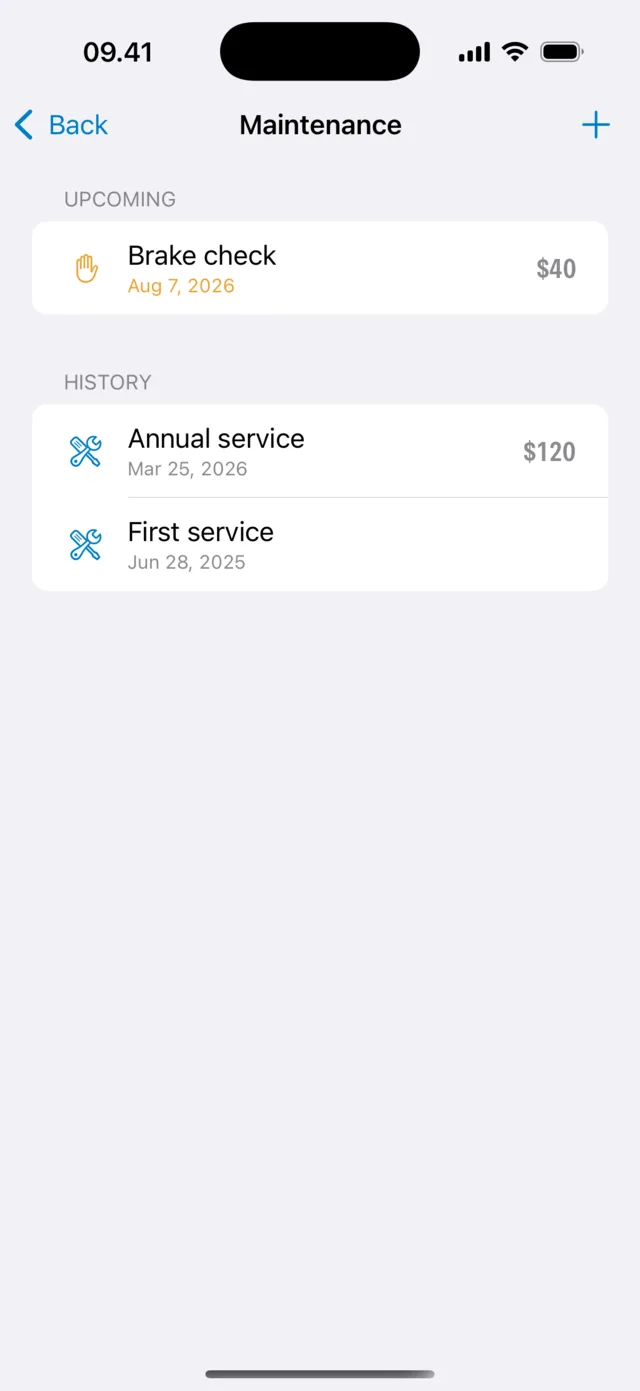
Consumables don't fail on a date. They fail after a distance — and that distance is exactly what a logbook knows and you don't.
Parts · life remaining
Schwalbe Marathon Plus (pair) · $90 · fitted 2,140 mi ago
Shimano Deore · $45 · fitted 980 mi ago
Replace before the next wet ride
A percentage sits beside every bar. Colour is a second signal, never the only one.
A maintenance log is only as good as its mileage. So Bike Stories takes the mileage from wherever you already record it.
| Notebook, receipts, memory | With Bike Stories | |
|---|---|---|
| When was the chain last replaced? | "Spring? Maybe last spring." | 980 mi ago, $45, Shimano Deore |
| Is anything due? | You find out on the climb | A reminder, by date or distance |
| What has this bike cost me? | A number you'd rather not add up | Total, and cost per kilometre |
| Where's the receipt? | A drawer, or gone | Attached to the bike, with the warranty |
| How much is it worth now? | "Well looked after — trust me" | A dated history you can hand over as a PDF |
| Three bikes in the family | Three notebooks nobody keeps | One garage, each bike with its own story |
| What it costs you | A cassette you didn't need to buy | Nothing, unless you go Pro |
One bike or six, a workshop stand or a shop appointment — the question is always the same one.
Rain, salt, potholes, 200 days a year. Things wear out on a schedule, and the schedule is measured in kilometres — which is exactly what the app is counting while you ride.
CommutingYou do your own bleeds and bearings, and you know a chain has a number on it. This is where that number lives — and where last year's torque settings and pressures are written down.
WrenchingAn expensive bike with a battery that quietly ages. Log capacity, range and cycles over time, and see whether it is really fading or you just remember summer differently.
E-bikesRoad, gravel, hardtail, the winter hack and the one you're restoring. Each gets its own history, its own costs and its own service schedule, in one garage.
CollectorsTwo adult bikes, two kids' bikes that get outgrown, and one trailer. Nobody else is going to remember when the kids' brakes were last checked.
FamiliesA complete, dated service history changes the conversation — and the price. Export it as a PDF and hand it over with the bike.
ResaleNo subscription, nothing to cancel, and no feature you rely on gets taken away later. Buy Pro when the garage outgrows the free tier — not before.
Free
$0
Every logging feature, for up to two bikes.

Bike Stories Pro
$9.99
Bought once, inside the app. Not a subscription.
Prices are set per App Store region and shown in your local currency at checkout.
There is no Bike Stories account, because there is no Bike Stories server holding your bikes. What you log is on your iPhone and in your own iCloud.
Short, useful reads on keeping a bike running: what wears out when, what a service is worth, and how to know before something breaks.
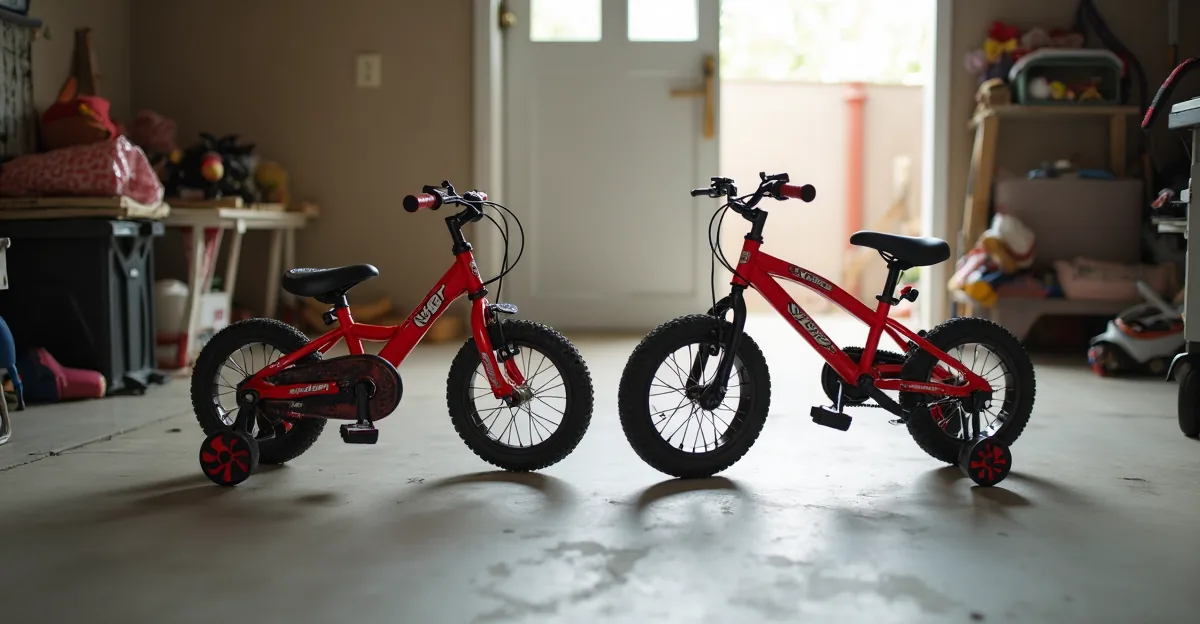
There are three routes to a child's first pedal bike, and two of them are a detour. The one that keeps working starts with two wheels and no pedals.
Read it →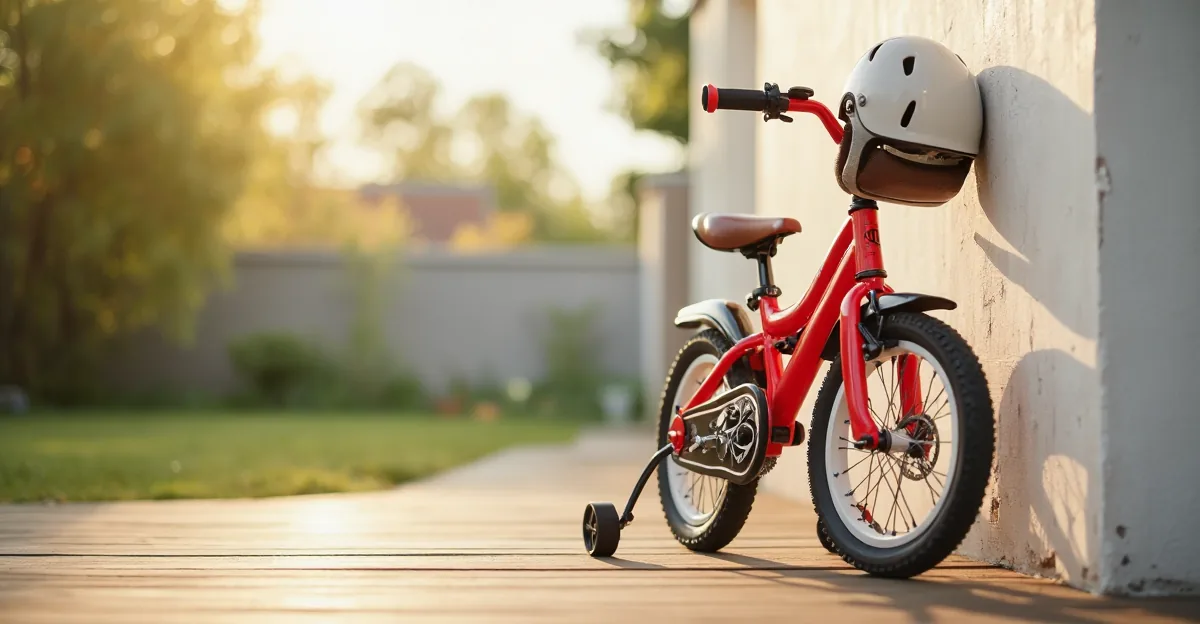
Age charts sell bikes; they do not fit them. What decides the size is the child's inseam, the standover gap, and whether they can reach and squeeze the brake levers.
Read it →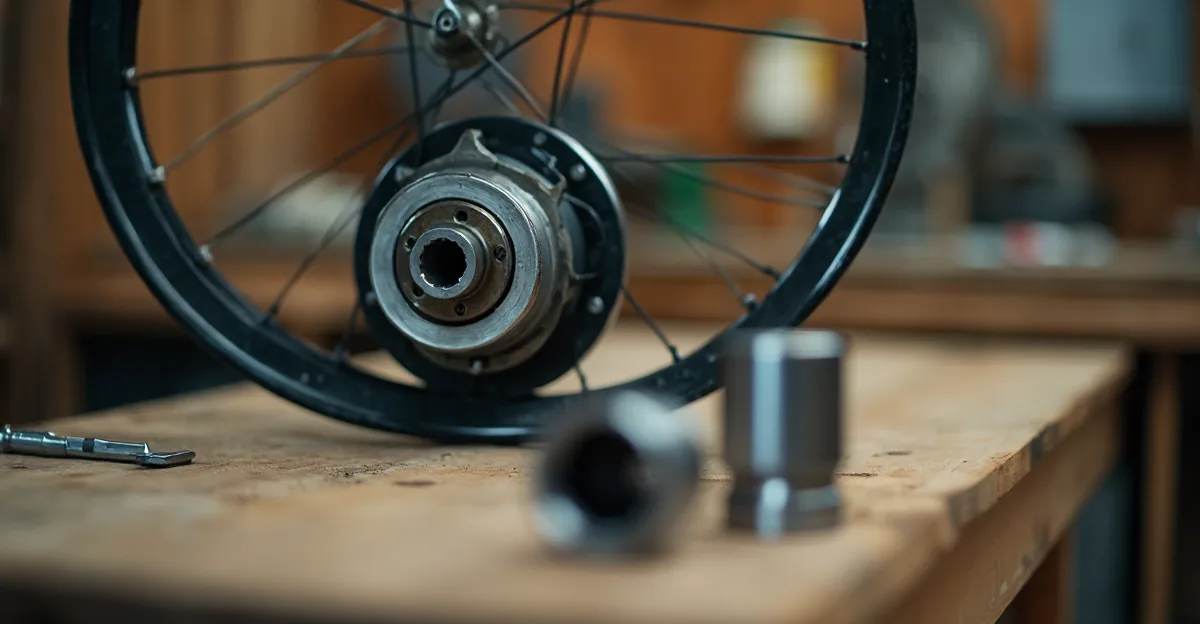
A wheel that wobbles or spins down fast has bearings, not a rim, at fault. Two checks take ten minutes, and the answer decides whether you need grease, a service, or a new hub.
Read it →The app is free to download and free to use for up to two bikes, with every logging feature included: maintenance, parts, rides, costs, documents and photos. Bike Stories Pro is a one-time $9.99 in-app unlock that removes the bike limit and adds Apple Health ride import, PDF export and automatic backups. There is no subscription.
No. There is no sign-up, no email and no Bike Stories server holding your data. Your bikes live on your iPhone and sync between your own devices through your iCloud account, which only you can read.
Yes. Bike Stories reads cycling workouts from Apple Health, so anything that writes there — your watch, Strava, Wahoo, Garmin Connect and the rest, when you let them — can become a ride on the right bike. Turn on automatic sync and new workouts are picked up when you open the app. You can also load a GPX file and see the route on a map, or log a ride by hand in a few seconds. Health import is part of Pro; manual rides and GPX are free.
Yes — there are 13 bike types, from road and gravel to mountain, city, cargo, folding and electric, and each starter template comes with a maintenance schedule that suits it. E-bikes also get battery health checks: measured capacity, estimated range and charge cycles, tracked over time.
You schedule a service by date, by distance, or both — every 500 km, or every six months, whichever comes first. The bike's odometer builds itself from the rides you log, so a distance-based service becomes due as you ride. Turn on reminders and you get a notification when something falls due, rather than finding out on a climb.
It stays yours. Bikes, rides, receipts and photos are stored on your device and mirrored to your own iCloud account — nothing is uploaded to us and nothing is sold. The app does send anonymous, non-identifying usage analytics so we can see which screens people get stuck on; no bike data is ever included, and you can switch it off in Settings. The details are in the privacy policy.
Yes. Pro exports a bike's service and cost history as a PDF, plus a seller document for when you sell the bike — a full, dated history is worth real money at resale. Pro also keeps automatic local backups you can restore from.
An iPhone running iOS 17 or later. Nothing else: no account, no subscription and no internet connection to read your own logbook. Distances show in kilometres or miles and costs in your own currency, and the app is available in 49 languages.
Start today and in a year you'll know exactly what it cost, what's worn out, and what's due next — instead of guessing on the side of a road.
Free download · iPhone, iOS 17 or later · No account · Pro is a one-time $9.99 unlock